TrainStimulatorSwiss
A downloadable Stimulator for Windows and macOS
Welcome to the cab – you’re the driver.
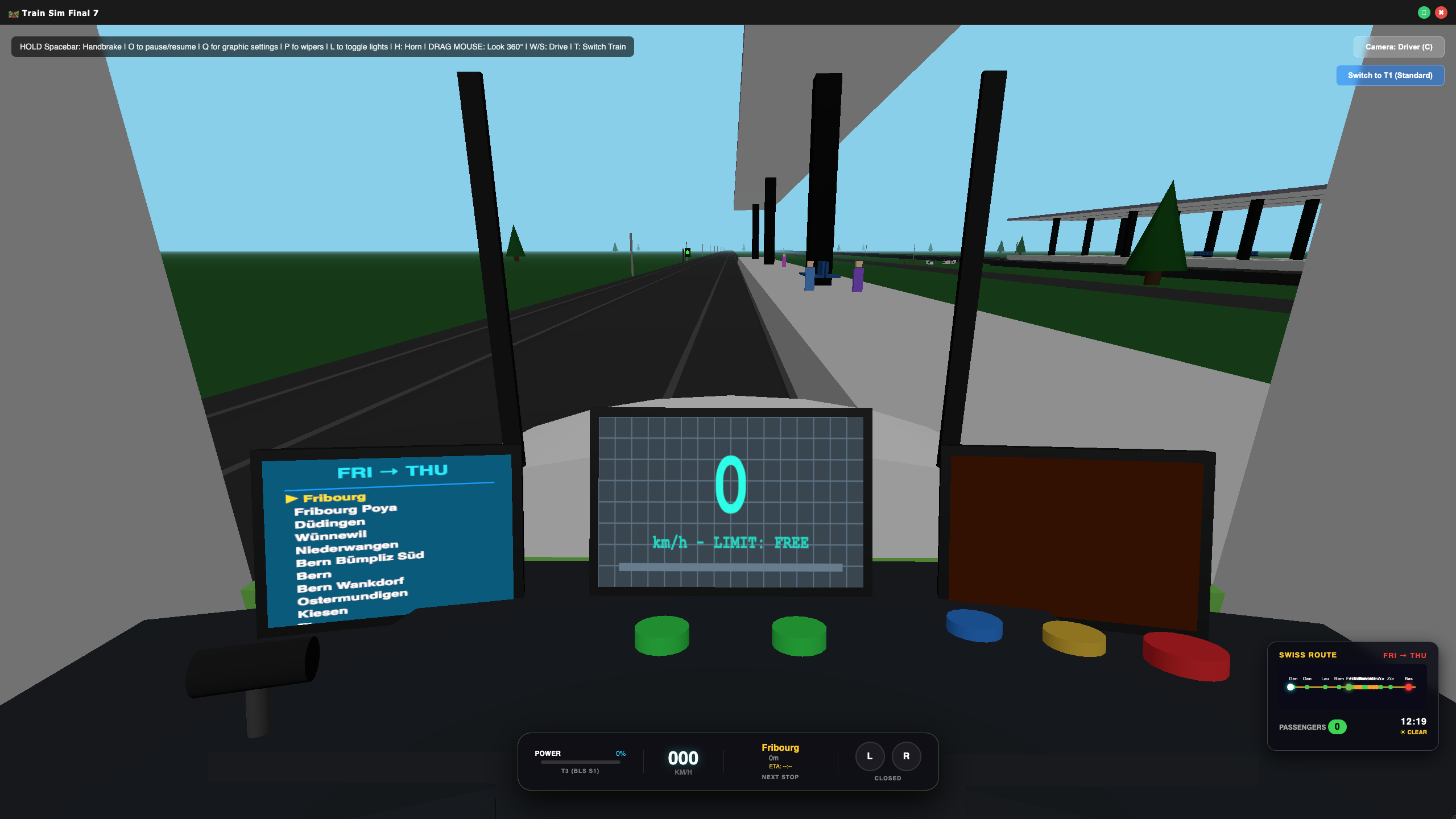
Experience the beauty and precision of Swiss railroading in this immersive train simulator. Choose from three meticulously detailed trains, each with its own interior, sounds, and handling. Navigate a 90‑kilometer main line (Geneva → Basel) or the challenging S1 commuter route (Fribourg → Thun), complete with iconic stations, tunnels, bridges, and dynamic weather.
🎮 Key Features
- 3 Driveable Trains
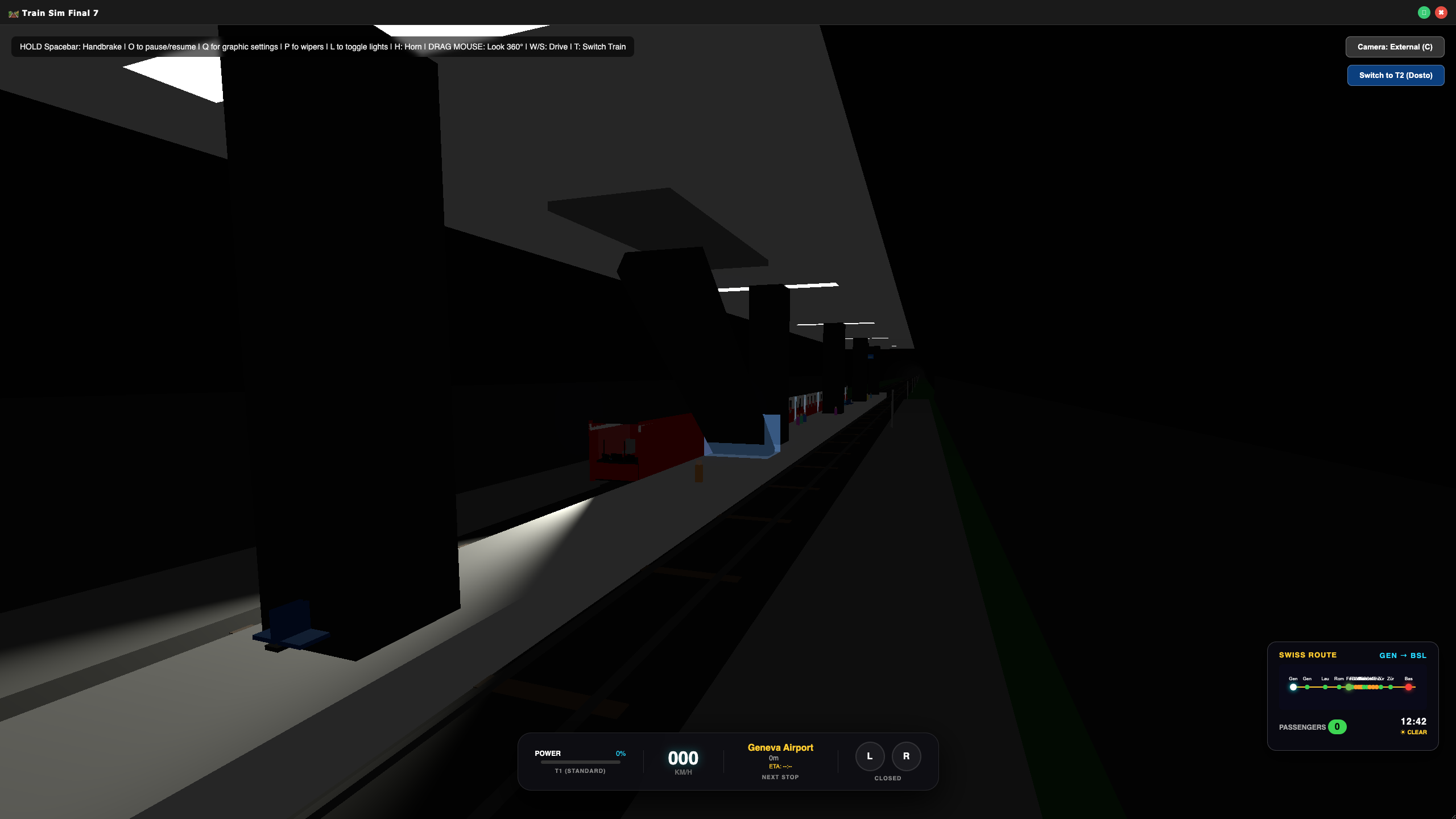
- T1 (Standard) – Classic Swiss livery, 5 cars, spacious interior.
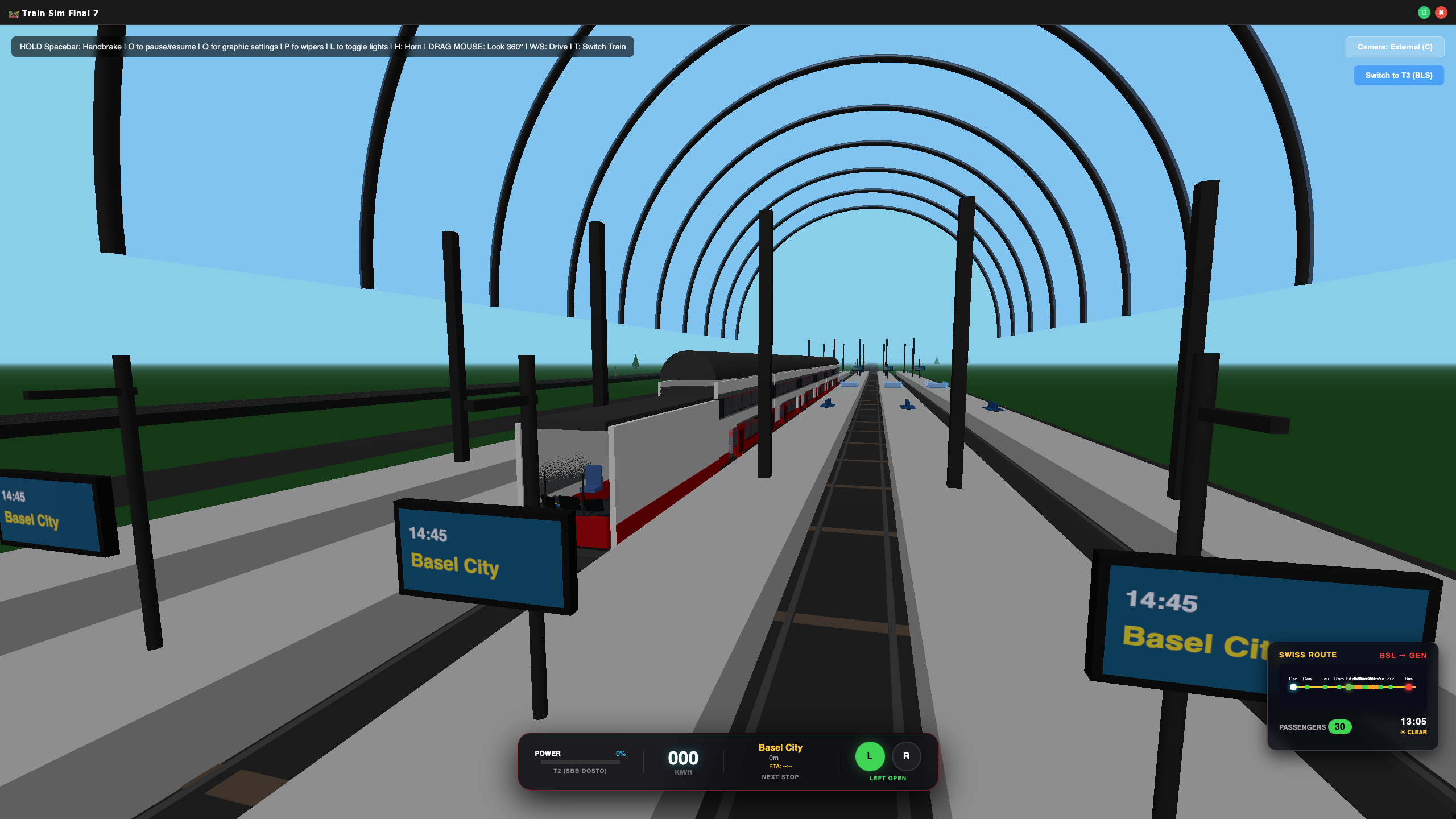
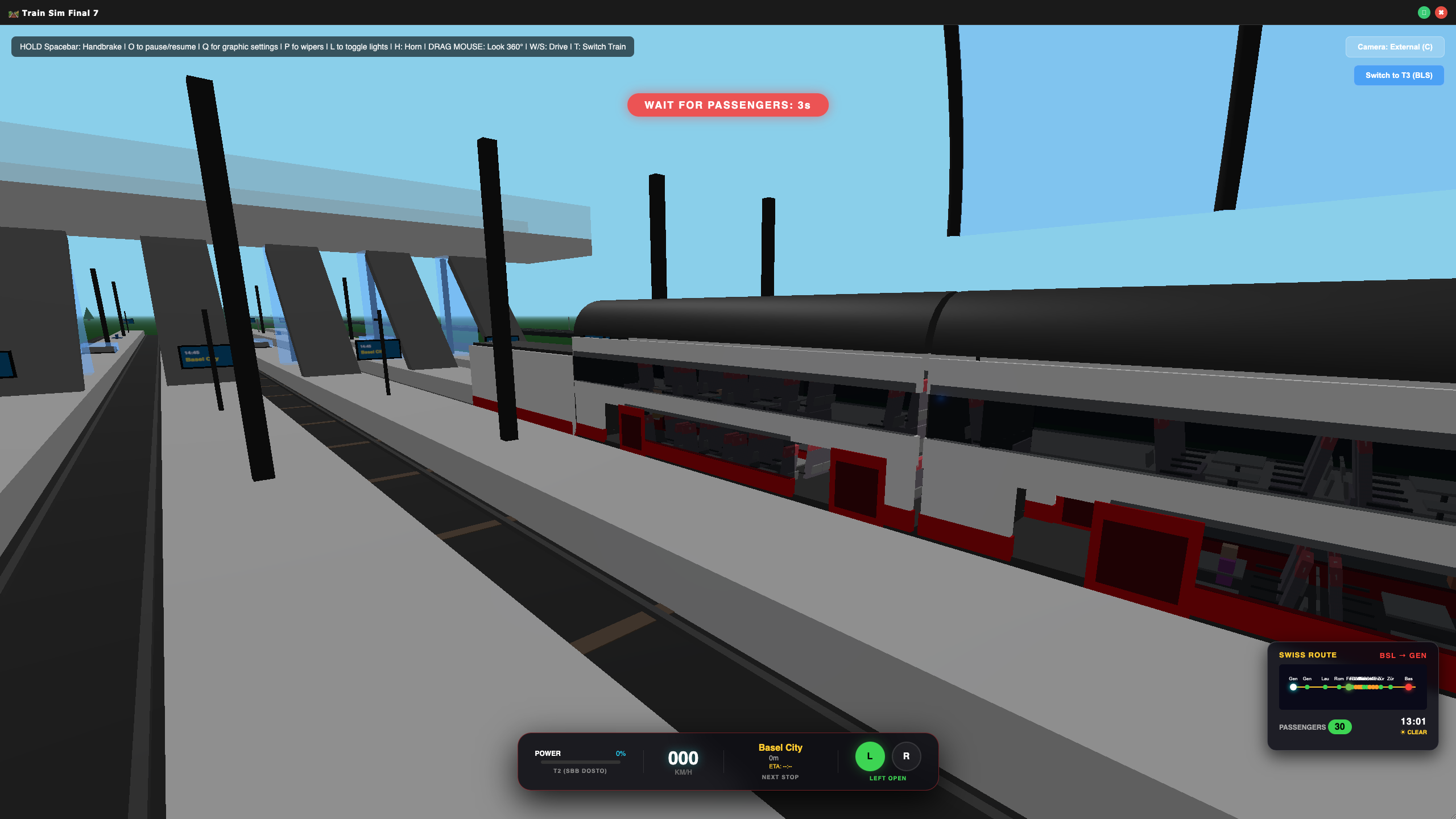
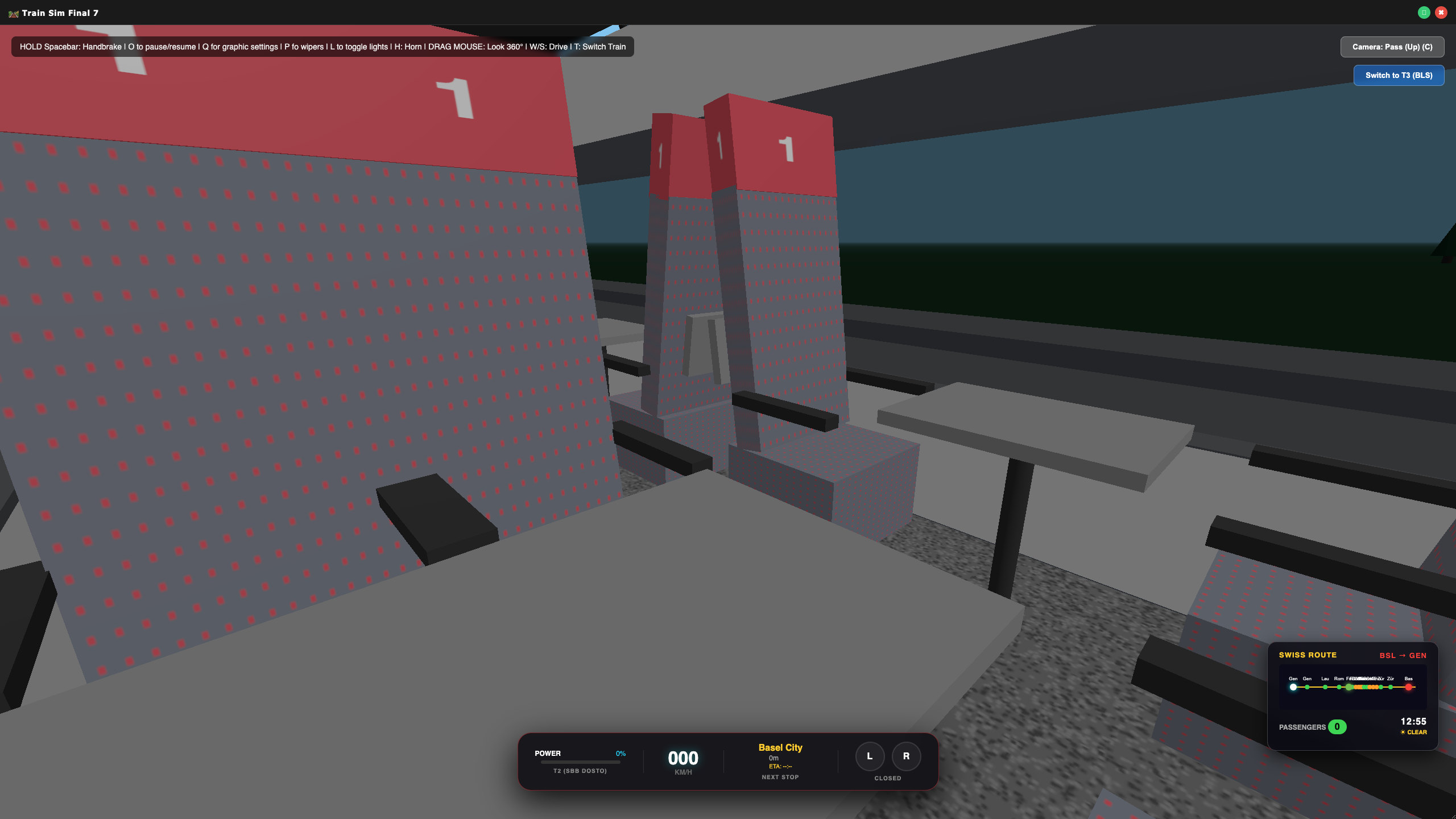
- T2 (SBB Dosto) – Modern double‑decker, 6 cars, upstairs & downstairs seating.
- T3 (BLS S1) – Green regional express, optimized for frequent stops.
- Realistic Operations
- Throttle, brakes, and handbrake with heavy‑train physics.
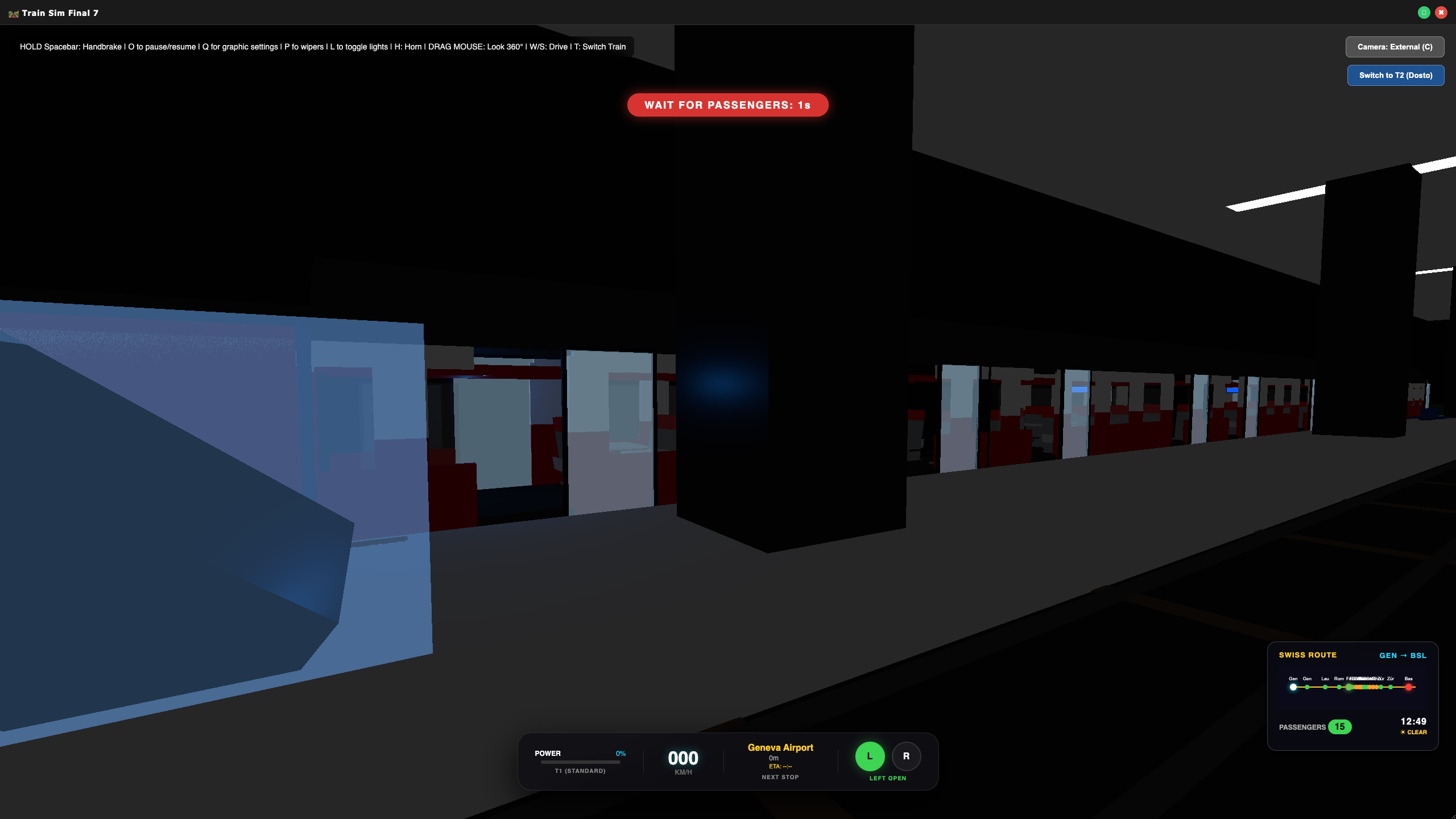
- Interlocking doors – open only when stopped. Passengers board automatically.
- Headlights, wipers, horn, and a fully interactive cab (clickable buttons for doors, wipers, lights, horn).
- Dynamic speed limits and station announcements (with speech synthesis).
- Living World
- Day/night cycle + dynamic weather (rain with windshield effects, lightning, fog).
- Scheduled stations with TV screens, escalators, and custom‑built architecture (underground, vaulted, brutalist).
- Traffic on parallel roads, crossing gates with bells, farm animals, wind turbines, and hot‑air balloons.
- Drive the same line in reverse with T2 – with its own route (Basel → Geneva).
- Immersive Audio
- Engine hum, track clacks, horn, door hiss, crossing bells, thunder, and station chimes.
- Voice announcements for upcoming stops.
- On‑Screen Aids
- Minimap showing all three trains.
- Route screen in the cab with upcoming stops.
- Speedometer (analog‑style digital display) with speed limit warnings.
- Passenger count and door status.
🕹️ Controls (Keyboard + Mouse)
| Action | Key / Mouse |
|---|---|
| Accelerate | W |
| Decelerate / Brake | S |
| Handbrake (hold) | Spacebar |
| Horn | H |
| Toggle headlights | L |
| Toggle wipers | P |
| Switch train | T |
| Cycle camera (Driver / External / Passenger Up / Passenger Low) | C or click button |
| Click cab buttons (doors, wipers, lights, horn) | Mouse click |
| Look around | Drag mouse |
| Zoom external camera | Mouse wheel |
| Pause game | O |
| Graphics toggle (4K / Low) only for intel mac white 13 inch display | Q |
🖥️ System Requirements
- OS: Windows 10/11 (64‑bit) or macOS 10.15+
- Processor: 2.0 GHz dual‑core
- Memory: 2 GB RAM
- Graphics: Intel HD Graphics 4000 or better
- Storage: 500 MB available space
Train enthusiasts, casual sim fans, and anyone who enjoys relaxing point‑to‑point driving with a touch of challenge. No micro‑transactions, no ads – just you, the rails, and the Swiss Alps.
📦 What’s Included
One‑time purchase – play on Windows and macOS with the same download
Download
Install instructions
📥 How to Download & Install
For Windows Users
- Download the file
Swiss Train Simulator Setup 1.0.0.exe(installer) - Run the installer (if you chose the setup version):
- Double‑click the
.exefile. - Follow the on‑screen prompts (choose install location, create desktop shortcut, etc.).
- After installation, launch the game from your Start Menu or desktop shortcut.
Security warning (SmartScreen) – because indie games are not yet widely known, Windows may show a “Windows protected your PC” message.
- Double‑click the
- Click “More info” → then “Run anyway”.
- The game is safe; this happens with all new unsigned apps.
- Uninstall (if you used the installer): Go to Windows Settings → Apps → find “Swiss Train Simulator” → Uninstall.
For Mac Users
- Download the file
Swiss Train Simulator-1.0.0.dmg(installer) . - Install from the DMG file:
- Double‑click the
.dmgfile. A window will open with the app icon and an arrow pointing to the Applications folder. - Drag the app icon into the Applications folder.
- Eject the disk image (right‑click it in Finder → Eject).
- Double‑click the
- Security warning (Gatekeeper) – macOS will say the app “can’t be opened because it is from an unidentified developer.”
- Fix: Right‑click (or Control‑click) the app → select Open → click Open in the pop‑up.
- You only need to do this once; afterwards the app will open normally.
- Uninstall: Drag the app from the Applications folder (or wherever you placed it) to the Trash.
💡 Tips for a smooth first run
- Save your game progress – there is no explicit “save” button; your score and position are saved automatically when you close the game (if you enable cloud saves in future updates).
- Keyboard focus – click anywhere inside the game window before using W/S/C/Spacebar, etc.
- Adjust graphics – press Q to toggle between high‑quality and low‑quality mode if performance is choppy.
- Pause – press O to pause the simulation (handy for taking a break).
❓ Troubleshooting
| Problem | Solution |
|---|---|
| The app won’t open (Mac) | Right‑click → Open → Open again. See security note above. |
| SmartScreen blocks the .exe | Click “More info” → “Run anyway”. |
| Game runs slowly | Press Q to switch to low‑quality graphics. Close other applications. |
| No sound | Make sure your system volume is up. The game uses Web Audio – click inside the window once to activate audio. |
| Can’t control the train | Check that the game window is active (click on it). Use W (accelerate) and S (brake). |
📬 Need more help?
Contact the developer: [davukwunna098@mail.com]. Enjoy the Swiss rails! 🚆
Leave a comment
Log in with itch.io to leave a comment.